
You’ve claimed your Google Business Profile and added your business to dozens of directories. You’re publishing content and collecting reviews. So why aren’t you showing up in local pack rankings when customers search for services in your area?
The answer often lies in mistakes you can’t see, not the basics everyone talks about. The subtle technical SEO errors and on-page SEO problems quietly erode your visibility while you assume everything is working. These hidden issues explain why businesses doing “all the right things” still struggle to rank locally.
This guide exposes the specific mistakes undermining your local SEO efforts and shows you how local SEO companies identify
Technical Blind Spots That Impact Local Visibility
Before focusing on content or keywords, you need to address the technical foundations that search engines rely on to understand and trust your business. These aren’t glamorous fixes, but they directly impact your ability to appear in local search results.
NAP Inconsistencies and Duplicate Listings
NAP consistency refers to your business Name, Address, and Phone number appearing identically across every online listing. This sounds simple, but slight variations create big problems.
Consider these common discrepancies that damage your rankings:
- “123 Main Street, Suite 200” vs. “123 Main St. #200”
- “(555) 123-4567” vs. “555.123.4567”
- “Johnson & Associates LLC” vs. “Johnson and Associates”
- An old address that was never updated after you moved locations
Search engines cross-reference your business information across hundreds of data sources. When they find conflicting details, they lose confidence in which information is accurate. That uncertainty weakens your local SEO signals and pushes you down in rankings.
Duplicate listings compound this problem. Many businesses have multiple profiles on the same directory, often created during rebrands, ownership changes, or by automated data aggregators. Each duplicate dilutes your authority and confuses algorithms trying to determine your legitimate presence.
Read More: Local Citations: Why Consistency Across Directories Matters More Than You Think
How To Run a Citation Audit to Find Discrepancies
To identify these issues, search your business name on Google and document every listing that appears. Tools like Moz Local, Yext, or BrightLocal can automatically scan major directories and flag inconsistencies. Your audit should confirm your NAP appears identically across all platforms, uncover duplicate listings that need removal or merging, and reveal any outdated information still appearing online.
Document each discrepancy in a spreadsheet with the platform name, incorrect information, and the correct version. Then work through corrections systematically, starting with the highest-authority platforms.
Missing or Incorrect Local Schema Markup
Local schema markup is structured data code that tells search engines exactly what your business does, where you’re located, and how customers can reach you. Many companies either skip this entirely or implement it incorrectly.
When properly implemented on your website, the LocalBusiness schema helps search engines display rich information about your business directly in search results. This includes your hours of operation, service areas, accepted payment methods, aggregate review ratings, and precise geographic coordinates.
Common schema mistakes that hurt local pack rankings include:
- Using a generic Organization schema instead of a specific LocalBusiness type
- Listing hours that don’t match your Google Business Profile
- Missing geo-coordinates that help search engines verify your location
- Outdated information in structured data that contradicts your visible website content
How To Test Your Schema Implementation
To check your implementation, use Google’s Rich Results Test tool. Enter your URL, and the tool displays exactly what structured data Google can read while highlighting any errors. Confirm that LocalBusiness schema is present and correctly formatted, your NAP details match your consistency standards, and hours of operation align with your GBP.
If your schema is missing or shows errors, you’ll need to add or correct the structured data in your website’s code. Many content management systems offer plugins that simplify this process without requiring manual coding.
Slow Load Times and Poor Mobile Experience
Mobile optimization local search isn’t optional. It’s the primary way customers find local businesses. Over 60% of “near me” searches happen on smartphones, and these users expect instant results. A slow, clunky mobile experience sends them straight to your competitors.
Google’s mobile-first indexing means the search engine primarily uses your mobile site version for ranking and indexing. If your desktop site performs well but your mobile experience lags, your rankings suffer across all devices.
Key performance benchmarks for local search success:
- Page load time under 3 seconds (ideally under 2)
- Passing Core Web Vitals scores in Google Search Console
- User-friendly navigation with appropriately sized buttons
- Text is readable without zooming
- No intrusive interstitials blocking content
Run your site through Google’s PageSpeed Insights and check your Core Web Vitals report in Search Console. These tools identify specific issues slowing your pages and provide actionable recommendations. For local businesses, fixing these technical SEO errors often produces faster ranking improvements than any content change.
On-Page Content Problems That Tank Local Rankings
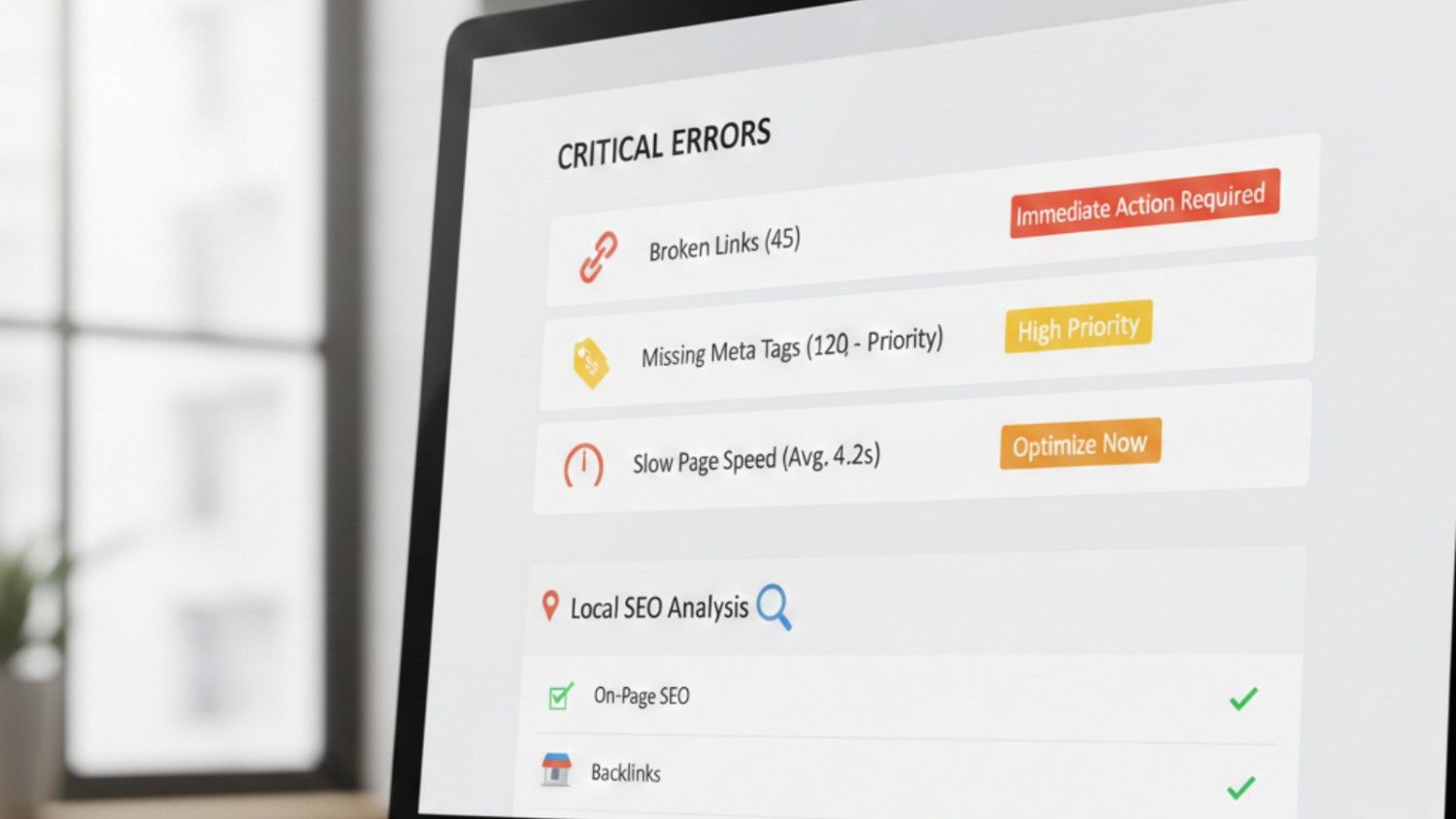
Strong technical foundations mean nothing if your content works against you. The following on-page mistakes actively sabotage your local SEO efforts, and many businesses don’t realize they’re making them.
Duplicate Content Across Location Pages
If your business serves multiple cities, you likely have separate pages targeting each location. Many companies create these pages by copying their main service content and simply swapping city names. This approach backfires badly.
Google struggles to rank nearly identical pages. When the search engine encounters duplicate content across your site, it often chooses not to rank none of them well. In severe cases, thin or duplicate location pages can trigger manual penalties that affect your entire site.
A quick self-assessment reveals the problem. Open each location page in a separate browser tab and compare them side by side. Could you tell which city a page targets if you removed the city name? Do paragraphs appear word-for-word across multiple pages? Would a local customer find the content relevant and helpful?
If your honest review uncovers issues, start with your highest-revenue service areas. Each location page needs genuinely unique content: neighborhood-specific references, local customer testimonials, regional service variations, and keywords reflecting how people in that community actually search. Pages ranking on page two or three often see the fastest gains from these improvements.
Keyword Stuffing
Repeating your target keyword obsessively doesn’t improve rankings. It destroys them. Keyword stuffing is an outdated tactic that modern algorithms detect and penalize.
Consider this example of what NOT to do:
“Our Chicago plumbing services are the best plumbing services in Chicago. If you need a Chicago plumber, our Chicago plumbing company offers Chicago plumbing repair, Chicago plumbing installation, and emergency Chicago plumbing services throughout Chicago.”
This reads as spam to both users and search engines. Google’s algorithms analyze content for natural language patterns, and robotic keyword repetition triggers spam filters that suppress your rankings.
The alternative approach focuses on user intent and natural language:
- Use your primary keyword in the H1, first paragraph, and one H2
- Incorporate related terms and synonyms throughout (plumber, plumbing repair, pipe services, drain specialists)
- Write sentences that sound like a real person explaining your services
- Prioritize readability and value over keyword density
Your content should answer the questions your customers are asking in the way they’d want them answered. That means clear, helpful information that naturally includes relevant terms without forcing them into every sentence.
Incomplete or Mismanaged Google Business Profile
Google Business Profile optimization directly impacts your visibility in local search results and the Map Pack. Yet many businesses claim their profile and never touch it again, missing critical opportunities.
Common GBP management failures include:
- Incorrect or Missing Category Selection: Your primary category tells Google what searches should trigger your listing. Choosing “Marketing Agency” when you primarily offer “SEO Services” means you’re invisible for your most valuable searches. Review your primary and secondary categories to confirm they match your core services.
- Sparse Visual Content: Profiles with high-quality photos and videos generate significantly more engagement than text-only listings. Add images of your team, workspace, completed projects, and service process. Google rewards profiles that keep users engaged.
- Ignored Google Posts: Google Posts let you share updates, offers, and announcements directly on your profile. Businesses that post regularly signal active engagement to the algorithm. Those who never post miss opportunities to appear in relevant searches with timely content.
- Poor Review Management: How you respond to reviews affects both rankings and customer perception. Ignoring reviews signals disengagement. Generic copy-paste responses feel insincere. Thoughtful, personalized replies to both positive and critical feedback demonstrate you value customer relationships.
Your reputation management strategy should include systematic monitoring and response protocols that protect your online presence while building trust with potential customers.
Read More: How to Use Google Business Profile for Local SEO Success
Indexation Mistakes That Hide Your Local Pages from Google
Your location pages might be invisible to Google entirely. Indexation errors prevent search engines from discovering, crawling, or including your pages in search results. These problems rarely trigger obvious warnings, so businesses assume their pages are ranking poorly when they’re actually not indexed at all.
Robots.txt Blocking Local Pages
Your robots.txt file tells search engines which parts of your site they can access. A single misplaced rule can block your entire locations folder from being crawled.
Common mistakes include blocking URL patterns that match your location pages, inheriting restrictive rules from website templates, or accidentally disallowing directories during development and never removing the restriction. Check your robots.txt file by adding “/robots.txt” to your domain and reviewing every disallow rule against your local page URLs.
Noindex Tags on Location Pages
A noindex tag tells Google to exclude a page from search results completely. Developers sometimes add these during staging and forget to remove them before launch. Some SEO plugins apply noindex to entire page categories by default.
To check, right-click any location page, select “View Page Source,” and search for “noindex.” If you find it, your page will never appear in search results regardless of how well optimized the content is. One noindex tag undoes all your other local SEO work on that page.
Location Pages Missing from Your XML Sitemap
Your XML sitemap guides Google to your most important pages. If your location pages aren’t included, search engines may take longer to discover them or miss them entirely.
Review your sitemap by visiting yourdomain.com/sitemap.xml. Confirm every location page appears with the correct URL. Many content management systems exclude certain page types from sitemaps by default, requiring manual configuration to include location-based content.
Canonical Tags Pointing to Wrong URLs
Canonical tags tell Google which version of a page is the “official” version. When location pages have canonical tags pointing to your homepage or a different location page, Google ignores the page you want ranked.
This often happens when location pages are duplicated from a template without updating the canonical tag. Each location page should have a self-referencing canonical pointing to its own URL. Check your source code for the rel=”canonical” tag and verify it matches the page you’re viewing.
How to Run an Indexation Audit
Google Search Console shows exactly which pages Google has indexed. Navigate to “Pages” under the Indexing section and review pages marked “Not Indexed.” Filter by your location page URLs to identify specific issues.
For a quick manual check, search “site:yourdomain.com/locations” in Google. The results show every location page Google has indexed. If pages are missing, work backward through robots.txt, noindex tags, sitemap inclusion, and canonical tags to find the blocker.
Fix Your Local SEO Issues with a Professional Audit
Local SEO problems aren’t always visible. They hide in inconsistent directory listings, missing code, thin content, and neglected profiles, quietly holding back your rankings.
The good news: each issue has a solution. NAP consistency requires citation auditing and cleanup. Schema markup needs proper implementation and regular verification. Content issues demand honest assessment and improvement. Google Business Profile optimization requires ongoing attention.
A professional audit from a digital marketing agency provides a comprehensive analysis to pinpoint what’s preventing your local rankings, prioritize fixes, and measure improvements. The Ad Firm’s local SEO services include detailed technical audits, citation management, and strategic optimization designed to boost your visibility in the searches that matter most.
Don’t let hidden SEO issues hold your business back. Schedule your audit today and start improving your local search rankings.