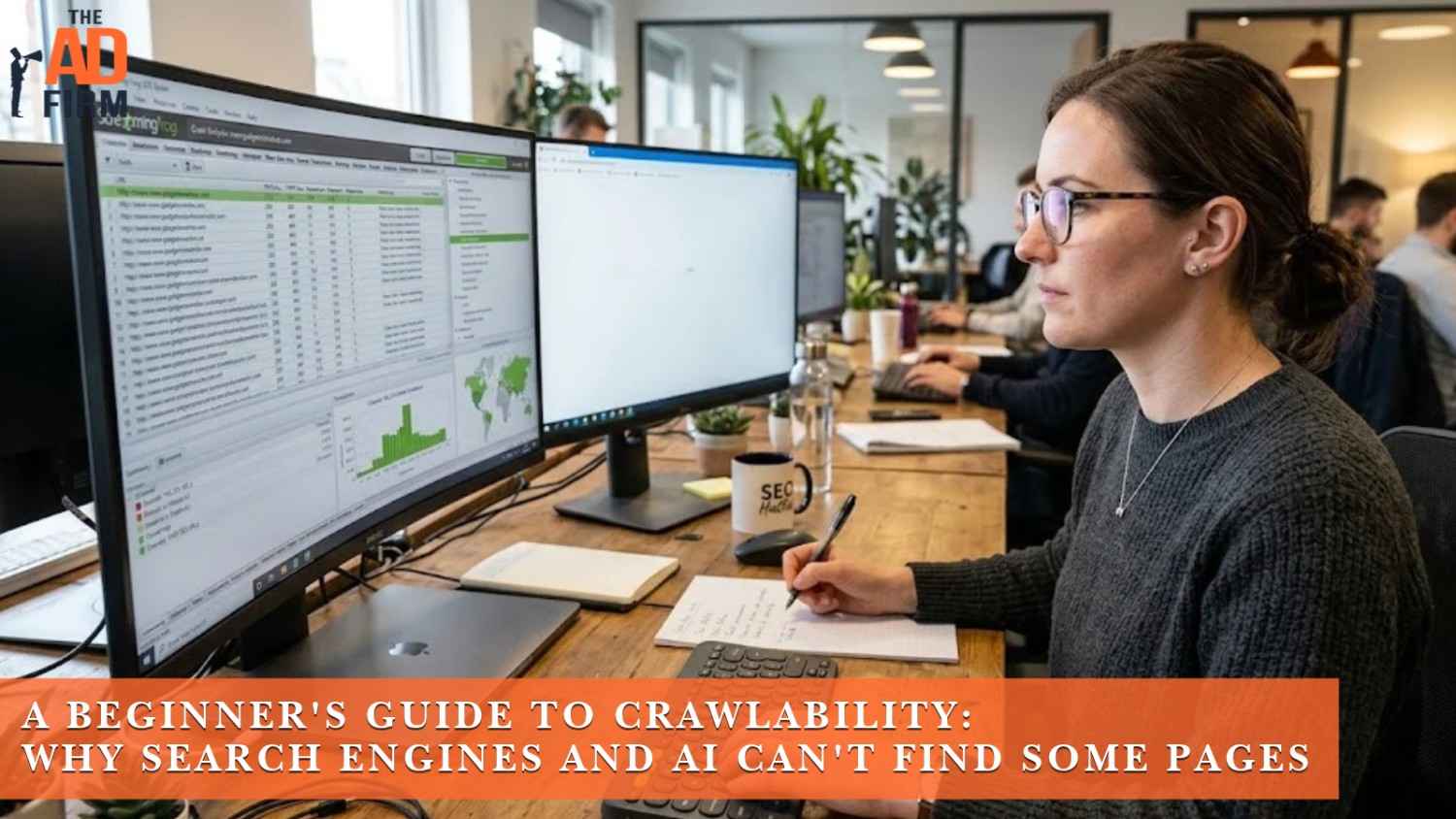
Crawlability is a page’s ability to be found and read by a bot, like Googlebot or ClaudeBot, in the first place. A page a crawler can’t reach never gets indexed, and a page that’s never indexed can’t show up in search results or get cited in an AI-generated answer, no matter how strong the writing is. Most “why isn’t this page ranking” problems trace back to one of five things blocking the crawler before content quality even enters the picture: a robots.txt rule, a missing internal link, heavy JavaScript, a server block, or a missing AI-specific file. A separate guide covers checking robots.txt for AI crawler access.
Each of those five causes gets a specific fix further down, and most take less than ten minutes to check once you know where to look. Server logs, llms.txt, and schema markup go a layer deeper than the basics, and is your website ready for AI crawlers covers all three.
What Is Crawlability?
Crawlability is the technical ability of a bot to access and read a webpage by following a link, a sitemap entry, or a direct request to a URL. It’s distinct from indexing, which happens after: indexing is when a search engine actually stores a crawled page and considers it for search results. A page can be perfectly written and still rank nowhere if a bot never successfully crawled it in the first place. A separate guide covers how to perform a technical SEO audit in five easy steps.
Why Can’t Search Engines and AI Find Some Pages?
Five things most often stand between a page and a crawler: a robots.txt block, no internal links pointing to the page, JavaScript hiding the content, a server or firewall turning bots away, or missing files that AI crawlers specifically look for. Each one is fixable once it’s identified.
Robots.txt Is Blocking the Page
A robots.txt file can block bots from a folder or an entire domain, sometimes without anyone intending it to. Default templates on some platforms disallow AI crawlers out of the box, so a site owner can go months without knowing GPTBot or ClaudeBot never had access. Blocking AI crawlers by accident is one of the most common GEO mistakes that hurt AI search visibility, and it’s usually the first thing worth ruling out.
The Page Is an Orphan With No Internal Links
An orphan page has no internal links pointing to it from anywhere else on the site. Bots discover new pages primarily by following links, so a page that exists only as a standalone URL, unlinked from your navigation, footer, or related content, is nearly invisible to a crawler even if it’s technically live. Orphan pages show up often during routine SEO maintenance reviews, and fixing one is usually as simple as adding a link from a relevant category or blog page.
Streamline Your Digital Assets with The Ad Firm
- Web Development: Build and manage high-performing digital platforms that enhance your business operations.
- SEO: Leverage advanced SEO strategies to significantly improve your search engine rankings.
- PPC: Craft and execute PPC campaigns that ensure high engagement and superior ROI.
JavaScript Is Hiding the Content
When the text or navigation links on a page load only through JavaScript without server-side rendering, some crawlers never see that content at all. Readers who want more can start with server-side rendering vs. javascript. Search engine bots have improved at rendering JavaScript over the years, but not every AI crawler renders it the same way, so critical text and links can effectively not exist to a bot that only reads the initial HTML response. Server-side rendering for pages like this is one of the fundamentals behind building a GEO strategy from scratch.
A Server or Firewall Is Turning Bots Away
Strict firewalls, CDN security rules, and slow server responses like HTTP 500 errors can all block or discourage a bot from crawling a page, usually as an unintended side effect of protecting bandwidth or blocking malicious traffic. A security rule built to stop scrapers doesn’t always distinguish between a bad actor and a legitimate crawler like Googlebot or PerplexityBot.
AI-Specific Files Are Missing
AI engines increasingly look for files that traditional search engines never needed, like an llms.txt file or JSON-LD schema markup at the root of a domain, to understand what a site is and which pages matter most. A site without these isn’t necessarily blocked, but it’s giving AI crawlers less to work with than a site that provides clear, machine-readable context. Sites that add these files alongside clean, direct formatting tend to see faster results when getting mentioned in ChatGPT responses becomes the goal.
How Crawlability Affects Your Search and AI Visibility
A page a bot can’t crawl doesn’t just rank lower. It doesn’t exist in the index at all, which means it can’t appear in search results, can’t get cited by ChatGPT or Perplexity, and can’t contribute to your site’s overall topical authority no matter how much content sits around it. Crawlability sits underneath every other ranking and citation factor, since none of them matter until a bot reaches the page.
The Cost of an Uncrawled Page
Every uncrawled page has zero search visibility, zero potential for AI citation, and zero return on whatever time went into writing it. On a larger site, crawlability problems compound: if bots spend their limited crawl budget on broken links, redirect chains, or low-value pages, fewer resources are left to discover and revisit the pages that actually matter. Crawlability is foundational to how AI search engines decide what to cite, ahead of content quality, structure, or authority signals.
Transform Your Online Strategy with The Ad Firm
- SEO: Achieve top search rankings and outpace your competitors with our expert SEO techniques.
- Paid Ads: Leverage cutting-edge ad strategies to maximize return on investment and increase conversions.
- Digital PR: Manage your brand’s reputation and enhance public perception with our tailored digital PR services.
A Common Example: Crawled, Currently Not Indexed
Google Search Console’s page indexing report often shows a status called “Crawled – currently not indexed,” which means Google reached the page but chose not to add it to the index, usually due to thin content, duplication, or low perceived value relative to similar pages. That’s a different problem from a page that was never crawled at all, and the fix is different too. Crawlability issues need a technical fix, and this status usually needs a content fix instead.
How to Fix and Test Crawlability
Start by ruling out robots.txt, then confirm indexing status in Search Console, keep your XML sitemap current, and make sure every important page has at least one internal link pointing to it. Each check below takes a few minutes and rules out one specific cause.
Check Your Robots.txt File
Open yourdomain.com/robots.txt and confirm you’re not accidentally disallowing important user agents or entire directories. This is the fastest check on the list and the one most likely to catch an unintentional block.
Use Google Search Console
Search Console’s URL Inspection tool shows the crawl status of a specific page, and the Page Indexing report flags patterns like “Crawled – currently not indexed” or resources blocked from rendering. Checking this monthly catches new crawlability problems before they pile up.
Submit a Clean XML Sitemap
An accurate XML sitemap gives bots a direct list of the URLs you actually want crawled, which matters most on larger sites where following links alone might miss newer or deeper pages. Keep it current: a sitemap full of outdated, redirected, or removed URLs wastes crawl budget instead of protecting it. Clean sitemap hygiene is part of balancing GEO and SEO without losing organic rankings.
Fix Your Internal Link Structure
Every page that matters needs at least one internal link pointing to it from somewhere a bot will actually crawl, like a category page, a related post, or your main navigation. Fixing broken links at the same time removes another common source of wasted crawl budget.
Get Your Site’s Crawlability Audited
Diagnosing a crawlability problem often takes more than one check, since a page can be technically crawlable and still lose visibility to a slow server response, a missed sitemap update, or a rendering issue further down the stack. The Ad Firm’s technical SEO team runs a full crawlability audit covering robots.txt, server logs, JavaScript rendering, and AI-specific files like llms.txt and schema, then fixes what’s actually blocking your pages. Our generative engine optimization team makes sure the fix accounts for AI crawlers too, not just traditional search bots. Reach out for a free site review and find out exactly which of your pages bots can’t reach.
Advance Your Digital Reach with The Ad Firm
- Local SEO: Dominate your local market and attract more customers with targeted local SEO strategies.
- PPC: Use precise PPC management to draw high-quality traffic and boost your leads effectively.
- Content Marketing: Create and distribute valuable, relevant content that captivates your audience and builds authority.
Frequently Asked Questions
Does crawl budget matter for small websites?
Not usually. Crawl budget becomes a real constraint on sites with tens of thousands of pages or more, where Google has to prioritize which ones to revisit. A site with a few hundred pages and clean internal linking typically gets crawled in full without crawl budget becoming a separate concern to manage.
Can a page get indexed without ever being crawled?
In some cases, yes. Google’s own documentation confirms it can add a blocked URL to the index based on links pointing to it from elsewhere, even without crawling the page itself. When that happens, the listing shows little more than the bare URL, since Google never actually read what’s on the page, and it won’t rank well. Getting the page fully crawled is still what determines real visibility.
Do AI crawlers follow the same crawl budget rules as Google?
Not exactly. Google has spent years refining how it allocates crawl budget across a site’s authority, update frequency, and server response times. Most AI crawlers are newer and less selective, so they can crawl less deeply on very large sites or skip pages Google would eventually reach. A site that’s fully crawlable for Google isn’t automatically crawled at the same depth by GPTBot, ClaudeBot, or PerplexityBot. Readers who want more can start with what GPTBot, ClaudeBot, and PerplexityBot are.
How many redirect hops before a crawler gives up?
Google has said it follows a redirect chain for up to five hops in a single crawl attempt, based on public comments from Google’s own team, though the ceiling cited in Google’s own documentation runs higher. AI crawlers haven’t published a specific limit, but most are newer and less patient than Google, so a long chain is more likely to get abandoned before it reaches the real page. One clean redirect straight to the final URL removes the guesswork.