Google made a move on April 13, 2026 that put thousands of websites on notice. Site owners using back button hijacking techniques have until June 15, 2026 to clean up their code or face manual spam actions and automated ranking demotions.
Back button hijacking lived in a gray zone for years. Not anymore. The new policy classifies it as an explicit violation of Google’s malicious practices rules, which means every site relying on these tactics now sits exposed to penalty risk.
This post explains what qualifies as back button hijacking, why Google reversed its previous position, and what your team should do before the June deadline.
What Is Back Button Hijacking?
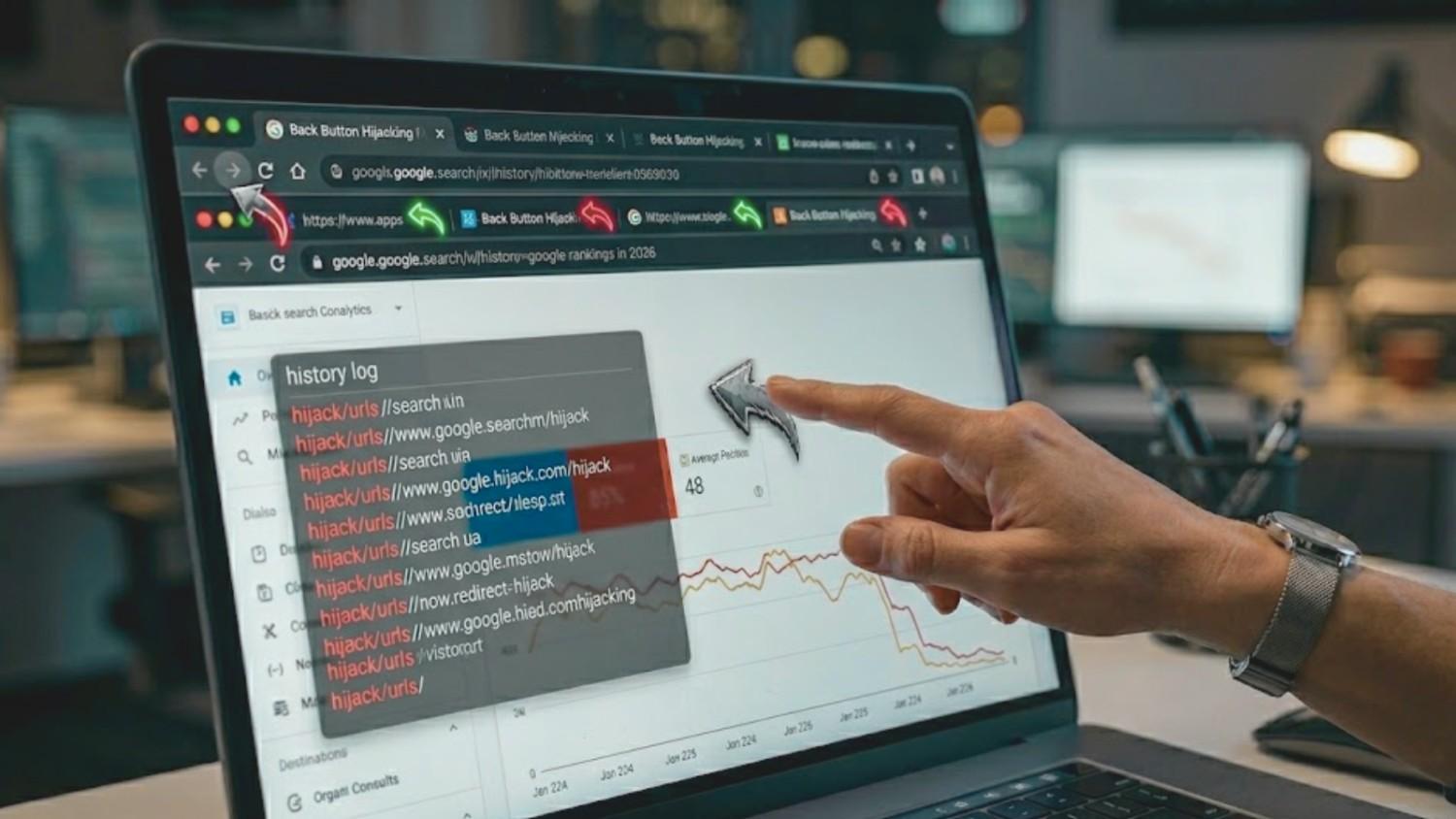
Back button hijacking happens when a site interferes with a user’s browser controls to prevent them from returning to the previous page. A user clicks “back” expecting to land on the search result they came from. The site intercepts that click and sends them somewhere else.
Sometimes the user lands on an unsolicited recommendation page. Sometimes an ad loads in place of the previous page. Other times the back button gets stuck in a loop of forward-pointing redirects, effectively trapping the visitor on the site.
Google’s developer documentation describes the behavior as anything that interferes with the user’s browser history and prevents them from using their back button normally. The browser’s back button belongs to the user, not the site. Any script that overrides that expectation now counts as a policy violation.
The Code Behind Back Button Hijacking
Most back button hijacking relies on JavaScript techniques that manipulate browser history. Understanding the specific code patterns helps site owners identify risks before Google’s crawlers flag them.
Common patterns include:
- History spoofing: A script calls history.pushState() repeatedly to inject phantom entries into the browser’s history stack. Each click of the back button cycles through an injected URL instead of returning the user to the original search result. Affiliate networks have used this pattern for years to pad pageview counts across ad-supported content.
- Pop-under redirects: JavaScript triggers open() on page interaction, spawning a new tab or window that steals focus. The user’s original tab stays on the site, the “back” action applies to the wrong window, and session metrics inflate artificially. This pattern appears most often in low-quality content networks and questionable ad tags.
- Meta refresh loops: The HTML <meta http-equiv=”refresh”> tag forces the browser to reload a different URL after a set time interval. When combined with back button detection, it can cancel the user’s exit attempt and send them back into the site.
- setTimeout redirects: A setTimeout() function schedules a redirect after a short delay, catching users mid-navigation. These scripts often hide inside tracking pixels or cookie consent banners where site owners rarely audit the payload.
- onbeforeunload handlers: JavaScript attaches to the beforeunload event and either cancels the navigation outright or triggers a modal that redirects the user. Browsers have limited this pattern in recent years, but older plugin versions still rely on it.
Many sites implement these scripts without intent. WordPress sites running outdated plugins, ecommerce stores using aggressive remarketing tags, and publisher sites layered with third-party ad SDKs often carry hijacking code inherited from tools chosen years ago. Other sites deploy these tactics deliberately to inflate time-on-site metrics, game attribution reports, or funnel visitors toward monetized exit pages.
The risk profile varies by site type. Content publishers with heavy programmatic ads face the highest exposure. Ecommerce stores using promotional overlays and pop-up plugins come next. SaaS products and corporate websites typically carry lower risk, though any site using third-party tracking or retargeting scripts should audit its code regardless of category.
Why Google Reversed Its Position
Google had previously stated that back button hijacking had no impact on search rankings. That guidance changed with the April 13 announcement. Three forces drove the reversal.
1. Google Can Now Measure What It Could Not Before
For most of the 2010s, browser signals sent back to Google were limited:
- Available signals: Clickthrough rates and pogo-sticking between SERPs
- Missing signal: Fine-grained navigation data that could distinguish a hijacked back button from a deliberate site visit
- Result: Hijacking hid inside individual sessions and never surfaced as a measurable pattern
Chrome’s data infrastructure has since expanded:
- Core Web Vitals and related APIs stream real-time UX performance data
- Chrome User Experience Report (CrUX) aggregates real-world browser behavior across millions of sites
- Aggregated navigation patterns now reveal fingerprints that individual sessions used to mask
2. User Trust Damage Started Hurting Google’s Product
In its developer blog post, Google tied the policy shift to two observations:
- User complaints about manipulated navigation experiences
- A measurable rise in hijacking behavior across the web
The knock-on effect reaches Google directly: users who feel manipulated grow less willing to visit unfamiliar sites after the experience. That cumulative trust damage hurts Google’s product quality, and product quality drives search policy decisions.
3. The Practice Now Maps to an Existing Policy
Back button hijacking fits cleanly under Google’s malicious practices policy, which targets actions that create a mismatch between user expectations and actual outcomes. In plain terms: if your site breaks what visitors reasonably expect from their browser, Google now treats that as deception.
The update fits a broader pattern of UX-first ranking decisions:
- Core Web Vitals penalize slow pages
- Helpful content systems demote pages written to rank rather than to help readers
- Site reputation abuse policies target parasite SEO
- Back button hijacking enforcement adds browser-level UX violations to that list
What This Means in the AI Search Era
Google’s expansion into AI-driven search experiences demands cleaner signals from the web. Machine learning models trained on user behavior need trustworthy input data. Sites that manipulate that data through deceptive navigation tactics harm users and corrupt the training signal Google relies on. That reality raises the stakes for every UX-related policy update.
ALSO READ: Local SEO Link Building for Stronger Local Authority
What Happens After June 15, 2026
Sites that keep back button hijacking code past the deadline face two enforcement paths, each with a distinct timeline and recovery profile.
| Timeline Element | Manual Spam Action | Automated Demotion |
| Detection trigger | Google reviewer inspects and confirms violation | Algorithm identifies hijacking pattern across crawl data |
| Notification | Alert in Search Console “Manual actions” report with violation description and affected URL patterns | None: no message, no warning, no flag |
| Initial traffic drop | Sharp: 40% to 80% of organic sessions can disappear within days | Gradual erosion that blends with normal ranking fluctuation |
| Indexing impact | Possible deindexing of flagged URLs | Pages stay indexed, rankings collapse |
| Path to recovery | Code removal + documented cleanup + reconsideration request | Code removal + wait for next crawl cycle |
| Recovery timeline | 2 to 6 weeks for standard review; 3+ months for complex or partial remediation | Weeks after algorithm re-crawl confirms the fix |
| Diagnostic difficulty | Low: Search Console tells you exactly what’s wrong | High: often misattributed to unrelated algorithm updates |
Beyond Direct Traffic Loss
Penalties trigger second-order damage that does not show up in the initial Search Console alert:
- Paid media erosion. Retargeting pools shrink as organic traffic feeding them disappears.
- Brand search decline. Google assigns lower trust to the domain overall, which pulls down even branded queries.
- Reputation visibility loss. Reviews and brand content slip in rankings as a side effect of domain-wide demotion. Teams managing online reputation across search results often spot the downstream impact before they trace it back to the original cause.
Why the Two-Month Window Matters
Per Search Engine Land’s coverage, Google is giving site owners two months to prepare. Waiting past May leaves no room for cleanup, staging validation, or re-indexing before penalties land. Sites planning to contest or defer action should weigh the recovery timeline against the audit cost. The audit is almost always the cheaper path.
How to Audit Your Site for Back Button Hijacking
Catching back button hijacking requires a mix of manual testing, automated scanning, and third-party script review. Use the table below to match each audit layer to the tools and signals your team should track.
| Audit Layer | What to Do | Tools to Use | What You’re Looking For |
| Manual page testing | Open your site in incognito, click through from an actual Google SERP (not a direct URL), press back, and observe. Repeat across top-traffic pages on mobile and desktop separately. | Chrome, Safari, Firefox, Edge, Samsung Internet; iOS and Android devices | Any landing page other than the original SERP after pressing back. User-agent-specific scripts that fire only on mobile browsers. |
| JavaScript inspection | Monitor history events during page interaction. Search loaded scripts for history API calls. | Chrome DevTools Console + Sources panels, Chrome Lighthouse, WebPageTest | Unexpected popstate firings; instances of pushState, replaceState, onbeforeunload, and window.history.back overrides |
| Third-party script audit | Inventory every third-party domain requested by your pages. Cross-reference against known hijacking sources from security research firms. | Browser Network tab, full network capture, Google Tag Manager audit, security research databases | Asynchronous scripts, tag manager injections, custom header scripts, and unfamiliar third-party domains |
| Plugin review | Export your active plugin list, check last-update dates, and flag anything inactive for more than 18 months. Prioritize WordPress and Shopify plugin stacks. | CMS admin plugin manager, security researcher flagged-plugin lists | Abandoned plugins, deprecated history-manipulation code, plugins predating Google’s stricter policies |
| Professional technical audit | Run a full technical SEO audit to catch edge cases that DIY scans miss. | Enterprise SEO crawlers, custom JavaScript rendering scans, agency-led review | Redirect chains, cloaked scripts, geo-specific fires, A/B test variants with hijacking code in one arm, obscure tag manager rules |
| Documentation trail | Screenshot Search Console reports, save network captures, and keep a log of every plugin and script you inspected. | Search Console, screenshot tools, shared audit tracker | Timestamped evidence that supports a future reconsideration request if a manual action lands |
Code Snippet for the JavaScript Inspection Step
Run this in your browser console before pressing the back button on any page you’re testing:
window.addEventListener(‘popstate’, (e) => console.log(‘popstate fired:’, e));
Any log entries you did not trigger intentionally indicate a script intercepting navigation.
Priority Order for Large Sites
- Week 1: Manual testing on top 20 pages + JavaScript inspection
- Week 2: Third-party script inventory + plugin audit
- Week 3: Professional technical audit on remaining URL patterns
- Ongoing: Documentation capture at every step
Sites with WordPress and heavy plugin stacks should lead with the plugin review layer. Ecommerce and publisher sites with dense third-party tag deployments should lead with the script audit layer.
ALSO READ: Community Partnerships That Improve Local SEO Trust Signals
Fixing Back Button Hijacking: The Cleanup Playbook
Once your audit surfaces hijacking code, follow this sequence:
- Identify the source. Is the offending script in a plugin, an ad tag, custom JavaScript, or a compromised theme file? Trace the script back to its origin before making changes. Opening the Network tab in dev tools and watching which request triggers the history manipulation usually reveals the source file. If the script is minified or obfuscated, check against your list of known third-party vendors first; custom code is rarely the culprit on CMS-based sites.
- Disable before deleting. Turn off the component in a staging environment and confirm the back button behaves normally. Deleting files directly in production risks breaking dependencies you did not anticipate. Themes, plugins, and tag manager rules often share helper functions. Disabling first lets you roll back quickly if something else breaks.
- Test across browsers. Validate the fix in Chrome, Safari, Firefox, and Edge. Mobile browsers can behave differently from desktop. Safari’s Intelligent Tracking Prevention handles history events differently than Chrome’s engine, and Samsung Internet on Android can expose hijacking patterns that pass on other mobile browsers. Test both navigation directions (back and forward) and confirm that referrer headers still flow correctly for analytics.
- Push the fix live. Deploy changes to production during a low-traffic window to minimize user disruption. Maintain a rollback plan in case the fix causes unexpected regressions in other parts of the site. For sites running on managed hosting environments, coordinate with your host on caching rules, CDN invalidation, and edge-level script delivery so the fix reaches every user immediately.
- Request re-indexing. Run a URL inspection in Google Search Console for affected pages and submit them for re-crawl. Focus on your highest-value pages first: homepage, top category or service pages, and any URLs currently flagged in the manual actions report. Google processes a limited number of URL-level re-crawl requests per day, so prioritize ruthlessly.
- Document everything. If a manual action still lands, you’ll need a clean record for your reconsideration request. Capture before-and-after screenshots of the hijacking behavior, save commit logs showing the code removal, and preserve Search Console screenshots of the manual action notice. Reconsideration requests that include clear evidence of full remediation move faster through Google’s review queue.
Enterprise sites with dozens of third-party integrations can take weeks to clean up. Legacy code owned by teams that no longer exist presents the hardest cleanup problem. Treat unowned scripts as suspect by default: if no current team member can explain why a script loads, remove it in staging and monitor for any business-critical breakage before restoring. Starting the audit in April gives engineering teams room to track down hidden dependencies before the June cutoff.
After the fix is live, keep watch. Monitor Search Console daily through June and into July for any lagging alerts. Watch organic traffic for unusual drops that could signal an automated demotion. Keep a log of any new third-party scripts added to the site, since tag sprawl is how most hijacking code enters sites in the first place.
What This Means for SEO Strategy Going Forward
The back button hijacking policy confirms Google’s direction. User experience signals have moved from “nice to have” to ranking-critical over the last three years, and this update pushes that line further.
Expect more enforcement around user journey interference. Deceptive cookie walls, misleading interstitials, forced sign-up gates, and dark-pattern opt-ins have been on Google’s radar for years. The back button policy may be the first in a series of similar UX-first updates.
Sites that invest in clean, honest experiences will outrank those relying on engagement tricks. That reality reshapes what “good SEO” means in 2026. Technical cleanliness, accurate meta signals, and respect for user intent are now ranking fundamentals, not bonus points.
For agencies and in-house teams, the action item is straightforward: audit, document, and fix anything that interferes with expected user behavior. The sites that do this proactively will hold rankings through future policy updates. The ones that don’t will keep losing ground.
Get Ahead of the Deadline
Back button hijacking penalties start in about two months. Waiting until June 14 is risky. Manual actions can land before automated demotions, cleanup takes time, and re-indexing adds another delay on top.
The Ad Firm runs pre-penalty audits that scan for history manipulation, deceptive scripts, and spam policy violations across every page of your site. Our SEO audit team identifies hijacking code in plugins, ad tags, and custom JavaScript before Google’s enforcement date.
If your site ranks on Google and you haven’t reviewed your third-party scripts in the last year, now is the window to act. Contact The Ad Firm for a pre-penalty audit and get a clear remediation plan in place before June 15, 2026.