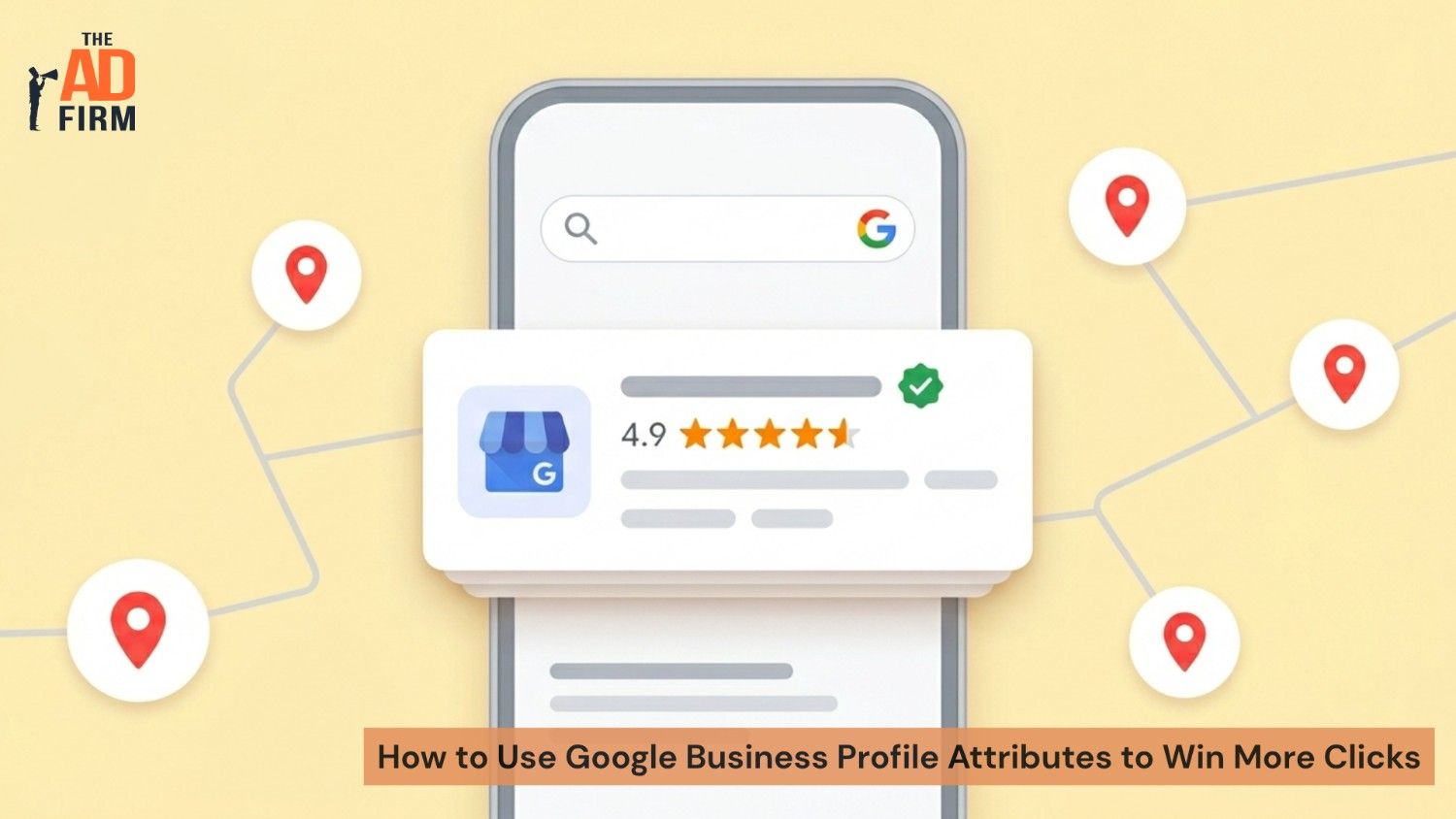
Google Business Profile attributes help you win more clicks by showing searchers the details they need before they visit your website. When someone compares local businesses, your hours and address only answer part of the question. Attributes such as wheelchair accessibility, outdoor seating, free Wi-Fi, women-owned, or online appointments can help them decide faster if your business fits what they need.
Your profile should make that choice easy. The right attributes highlight useful details, improve the quality of your clicks, and support a stronger local search presence. With 46% of all Google searches carrying local intent, the businesses that fill in these details capture demand that incomplete listings miss. This blog explains which attributes matter, how to update them, and how smart local SEO services can turn a basic listing into a more useful path from search to customer action.
Why Do Google Business Profile Attributes Matter More Than You Think?
Google Business Profile attributes help Google and your customers understand whether your business matches a specific need. They do more than describe your location. They help answer the quick decision-making questions people ask before they click, call, or visit. When your attributes match what someone is searching for, your profile has a stronger chance of standing out in the right local searches.
Attributes Are a Relevance Signal, Not Decoration
Attributes act like relevance signals, not profile decoration. Think about what your customers want to know before they choose you. A homeowner may look for “Online appointments” before booking a service call. A wheelchair user may need a “Wheelchair accessible entrance.” A shopper planning ahead may want “Curbside pickup” or “In-store pickup.” When your profile answers those needs clearly, you make the decision easier and attract people who are more likely to take action.
That is why attributes should be part of your ongoing local search strategy. A strong local SEO company does not treat them as a one-time setup item. It reviews them regularly, keeps them accurate, and uses them to help your profile appear for searches with stronger buying intent.
How Google’s Filters Hide Profiles That Skip Them
Google Search and Maps filters often rely on these attributes. When someone applies a filter such as “Wheelchair accessible,” Google can leave out businesses that have not selected that attribute, even if the business actually offers it.
That small, unchecked box can cost your business qualified clicks. If your building has an accessible entrance, your profile should say so. If you offer outdoor seating, online appointments, delivery, or other relevant options, mark them accurately. The more complete and honest your attributes are, the easier it becomes for the right customers to find you.
Where Attributes Actually Appear in Search Results
Attributes do not just sit in the background. They surface in places customers see while they decide. Accessibility and recycling attributes can show as small icons on your profile, identity tags like “Women-owned” display in your business description area, and customer-sourced highlights appear as text labels in Google Search. In Google Maps, many attributes work as tappable filters that include or exclude your listing.
Knowing where attributes appear changes how you prioritize them. The attributes tied to active search filters, such as accessibility and service options, carry more weight than ones that only display as static labels. Set the visible, filter-linked attributes first, because those are the ones deciding if you appear in a narrowed search.
Which Attributes Should You Turn On?
Google Business Profile attributes split into two top-level groups: owner-defined attributes that you set yourself, and subjective attributes that Google assigns based on customer behavior and reviews. Within the owner-defined group, you will work with two types: factual attributes and identity attributes. Knowing this structure helps you keep your profile accurate, useful, and aligned with what your customers actually search for.
Factual Attributes
Factual attributes describe the features, amenities, and service options your business offers. These are usually easy to confirm because they are either true or not.
Common examples include:
- Accessibility: Wheelchair accessible entrance, accessible restroom, accessible parking.
- Amenities: Free Wi-Fi, a restroom, and a gender-neutral restroom.
- Service options: In-store pickup, appointment required, credit cards accepted, and delivery.
You should turn on every factual attribute that honestly applies to your business. Each accurate attribute gives your profile another chance to match a specific customer need. When someone filters results based on accessibility, pickup options, payment methods, or amenities, your completed profile can stay visible while less complete listings get skipped.
Identity and Community Attributes
Identity and community attributes highlight ownership or community representation, such as Black-owned, women-owned, veteran-owned, or similar profile tags. These details matter because many customers want to support businesses that reflect their values or community priorities.
Use these attributes only when they accurately describe your business. For the right customer, that detail can help your business stand out and earn the click. Keep them truthful and review them as your business evolves, since an accurate identity tag helps your profile connect with more qualified local searchers.
Attributes Versus the Services Section
Many business owners confuse attributes with the Services section, and they do different jobs. Attributes are yes-or-no toggles that describe how your business operates, such as “appointment required” or “free Wi-Fi.” Services are separate listings where you name specific offerings, add descriptions, and in some categories include pricing.
A plumber toggling “online appointments” as an attribute is doing something other than adding “emergency drain cleaning” as a service with its own description. Use attributes to answer quick filter questions and use services to spell out exactly what you sell. You will run into both sections in your dashboard, so it helps to know which one to update for which purpose.
ALSO READ: Google’s Google Business Profile Crackdown: What Small Businesses Need to Fix Now
Match Attributes to What Searchers Actually Want

Attributes work best when they match a real customer decision. A detail that seems minor to you may be the exact filter someone uses before they click, call, or visit. Instead of treating attributes as profile extras, use them to answer the practical questions your customers already have.
Restaurants and Cafes
Diners make quick choices. “Outdoor seating” can win the customer looking for a patio. “Good for kids” can reassure parents before they read your reviews. “Gender-neutral restroom” can signal a more welcoming space. These attributes help your restaurant or cafe stand out when someone compares nearby options and needs a clear reason to choose you.
Retail and Service Businesses
For retail and service businesses, attributes explain how your business operates. “Appointment required” sets the right expectation before someone shows up. “In-store pickup” helps you reach shoppers who want something today. “Credit cards accepted” removes a small concern that could make a buyer choose another business. A seasoned local SEO agency maps these attributes to buyer intent instead of selecting tags at random.
Run a Competitor Attribute Gap Check
Attribute optimization is also a competitive intelligence move. Anyone can open a competitor’s Google Business Profile and see which attributes they have enabled. Use that to your advantage with a quick comparison.
- Pull up your top three local competitors for your main search term.
- Note which attributes each one has turned on, paying attention to service options and accessibility.
- Mark any attribute that two or more competitors share, but you have left off.
If your top competitors all show “online appointments” and “curbside pickup” and your profile does not, you are already behind on the two filters most likely to sway a ready-to-buy customer. Closing that gap is one of the fastest profile wins available.
RELATED ARTICLE: AI Overviews Are Showing Up Next to the Map Pack: What That Means for Local Businesses
How Do You Add Attributes in Your Dashboard?
You can update your attributes directly in your Google Business Profile. Follow these steps:
- Sign in to the Google account that manages your profile, then open your Business Profile in Google Search or Google Maps.
- Select Edit Profile.
- Select the More tab to view attribute categories such as Accessibility, Amenities, and Service Options.
- Select Edit next to a category, then choose Yes or No for each attribute that applies.
- Select Save to update your profile.
Review these settings regularly. Google can update available attributes over time, and your business details may change as you add new services, amenities, or customer options. Treat this review as part of routine profile management, because accurate attributes help your business stay visible, useful, and aligned with what searchers want.
Manage Attributes by Season
Some attributes are not set-and-forget. Outdoor seating may fit spring and summer but not a cold December. Holiday hours appear as temporary settings around busy dates. Service businesses sometimes open or close appointment availability based on the season. Put a recurring reminder on your calendar to match your attributes to what your business actually offers right now, so a searcher never filters you in for something you cannot deliver this month.
How Do Attributes Turn Views Into Clicks?
Attributes help turn profile views into clicks by showing searchers why your business fits their needs before they reach your website. They qualify your traffic and give people a practical reason to choose you. When your listing answers questions about access, amenities, service options, or customer experience upfront, you reduce hesitation and make the next step easier.
Qualified Visibility Over Raw Volume
A complete set of attributes helps your listing appear in more relevant local searches. More importantly, it helps your business attract people who are already looking for what you offer. If your profile clearly shows that you provide delivery, accept credit cards, offer appointment-based service, or have accessible parking, the right customer can make a faster decision. That kind of qualified visibility matters more than showing up for broad searches that may not turn into calls, visits, or sales. It is one reason many businesses rely on professional local SEO service support.
Attributes Feed Google’s AI Answers and Ask Maps
This is the highest-impact reason to complete your attributes in 2026. Google’s AI Overviews and the Ask Maps feature build answers using structured profile data, and attributes are a core part of that data. When someone asks Google’s AI to find a wheelchair accessible Italian restaurant open on Sunday, Google reads attribute data to decide which businesses belong in the answer.
Complete, accurate attributes put you in those AI responses. Incomplete profiles stay invisible to that query no matter how well the website ranks. As more searchers use conversational and AI-powered search, attributes become a direct line into the answers Google builds. Strong AI SEO and generative engine optimization work treats your profile as a primary source these systems quote, not an afterthought.
Attributes Work as Part of a Complete Profile
Attributes perform best when you pair them with a complete Google Business Profile. Accurate categories, strong reviews, current photos, regular posts, and correct business information all work together. Attributes close one of the fastest gaps because they tell searchers what your business offers in plain, useful terms. Add active review management, and your profile gives customers both the facts and the proof they need to trust you.
Put Your Profile to Work With The Ad Firm
Attributes are a fast, high-impact fix, and they’re one piece of a profile that must perform across categories, reviews, and photos to win local searches. Our team handles that full picture, so your listing pulls in qualified clicks instead of getting filtered out. That’s the standard behind the best local SEO services: every relevant tag set, every signal aligned.
Want your profile optimized end-to-end? Talk to The Ad Firm and put our local SEO services to work on your listing today.
FAQs about Google Business Profile Attributes
What are the two types of Google Business Profile attributes?
Google Business Profile attributes generally fall into two groups: factual attributes and subjective attributes. Factual attributes are details you can set yourself, such as free Wi-Fi, outdoor seating, accessible parking, or an appointment required. Subjective attributes come out of customer experiences, reviews, and Google’s own data, such as “cozy,” “popular for lunch,” or similar labels. You control factual attributes directly. You influence subjective attributes by delivering a consistent customer experience.
Can I set subjective attributes myself?
No. You cannot turn subjective attributes on or off in your dashboard. Google generates them using customer feedback, review language, and behavior signals. The best way to influence them is to create the experience you want customers to mention. If you want your business associated with friendly service, fast pickup, family-friendly dining, or a welcoming atmosphere, your operations and reviews need to reinforce that message.
Do attributes affect Google’s AI answers and Ask Maps?
Yes, they can help by giving Google clearer, structured information about your business. AI-powered search experiences and Ask Maps rely on available business details, reviews, photos, and other signals to answer local search questions. If someone looks for a dog-friendly cafe with outdoor seating, your attributes can help Google understand if your business fits that request. A blank or incomplete attribute section gives Google less useful information to work with.
How often should I update my attributes?
Review your attributes at least twice a year and any time your business changes. Update them when you add a new payment method, improve accessibility, change service options, add pickup, offer appointments, or introduce a new amenity. Google also updates available attributes over time, so a setting that did not apply before may become relevant later.
Will adding attributes directly improve my rankings?
Attributes do not work like a standalone ranking shortcut. They support relevance, which helps Google match your profile to more specific searches. That makes them valuable, especially when your customers use filters or search with clear intent. Treat attributes as part of a complete local SEO services strategy that also includes accurate categories, reviews, photos, posts, business information, and ongoing profile updates.